Gear costs a fortune
A console, mic chains, an encoder, cabling — the budget for going live scares you off at the estimate stage.
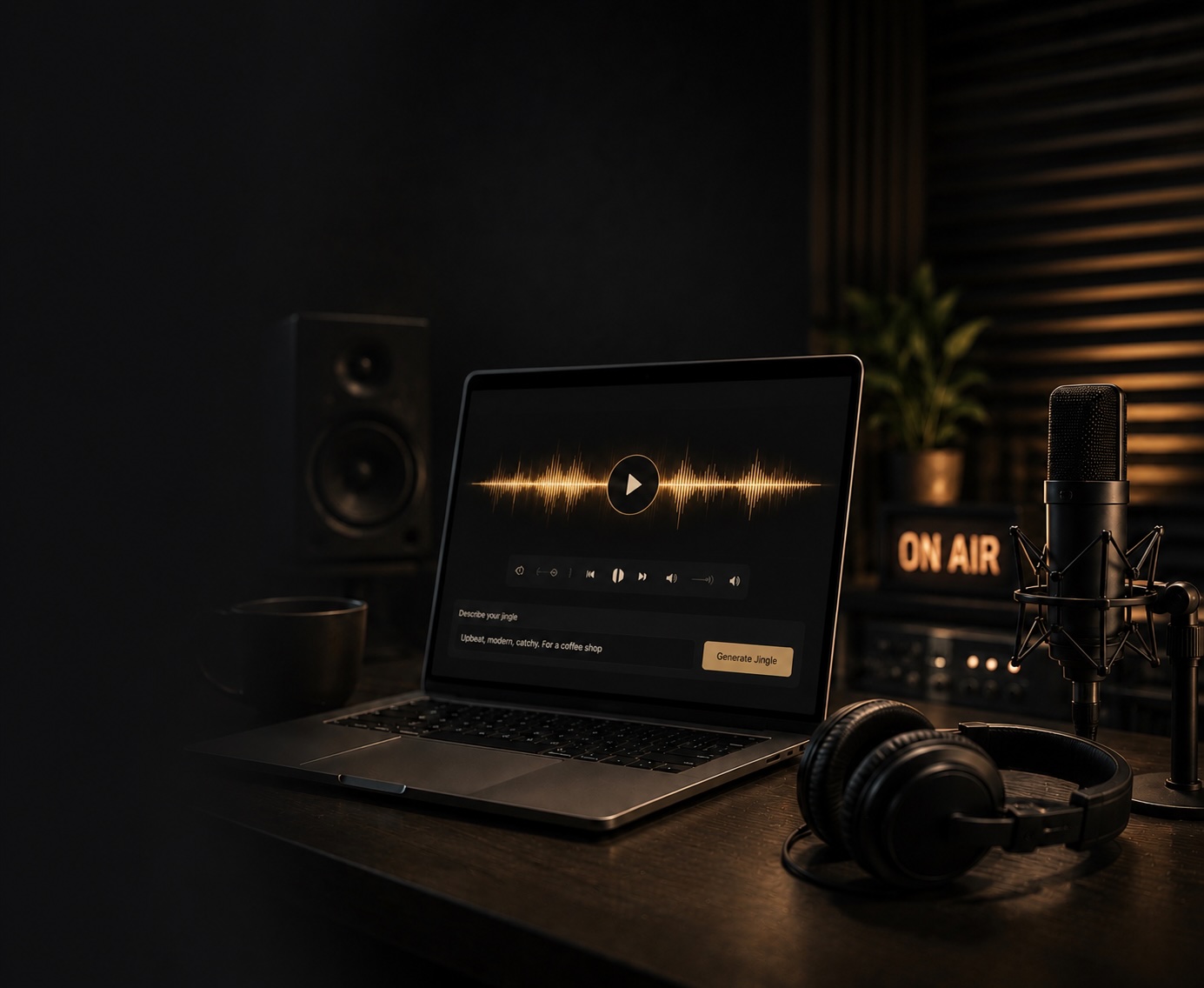
A mixer, a microphone, jingles and guests joining by link — a full radio studio opens with one button on top of your stream
You want to talk to your listeners live: bring on guests, announce promos, host evening shows. But a traditional studio demands hardware, software and a dedicated person at the console.
A console, mic chains, an encoder, cabling — the budget for going live scares you off at the estimate stage.
Servers, stream keys, bitrates and codecs — the host is forced to become an engineer.
Phone hybrids, Zoom and virtual audio cables — routing the sound turns into a quest.
Sweepers and announcements live in folders: by the time you find and fire the file, the moment is gone.
An accidentally closed tab or a wrong click — and the show cuts off mid-sentence.
Mixing voice with music, ducking the bed, levelling the loudness — without a dedicated person it sounds amateur.
The Broadcast Studio opens right on your stream's page. Until you press "Go live" it runs dry: build and rehearse the whole show — your listeners won't notice a thing.
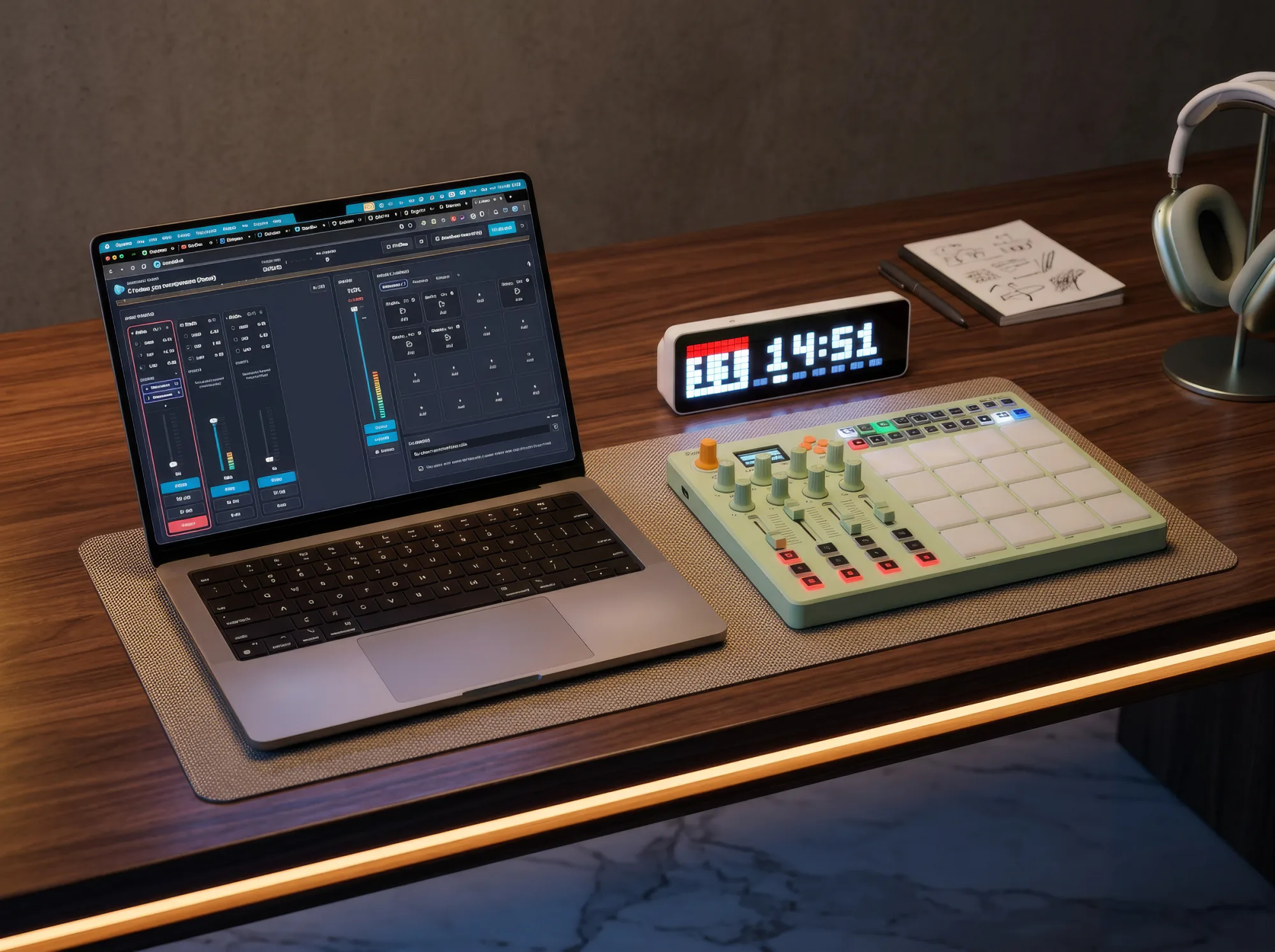
Channels with three-band EQ and faders, a master section with a limiter and monitoring — just like a real console.
Your voice over a music bed in studio quality. The mic is added in one click — even a headset will do.
Eight quick-launch pads: sweepers, greetings, ad spots. The music ducks automatically and smoothly comes back.
A guest opens the link in their phone's browser, joins the queue, you talk off-air first and put them on air with one button.
Closing the tab or leaving the page asks for confirmation, the limiter guards against clipping, the mic is added muted.
Save your studio setup — channels, pads, settings — and bring it back with one click before the next show.
A laptop and a headset are enough to go on air. And if hardware feels better under your fingers, connect a MIDI controller — the studio learns its pads, faders and knobs and maps them onto the console.
From a morning show to a night at the restaurant — the studio turns your background stream into live radio when you need it and hands the rotation back when the show ends.
Morning broadcasts, themed episodes and talk programs on top of your usual music rotation.
A host for the evening: greeting guests, birthday shout-outs, music breaks and kitchen announcements — live.
An expert or a celebrity joins by link from anywhere in the world — no studio, no travel.
Promos and presentations in the host's voice with jingles and a music bed — more convincing than any banner.
Hosting, raffles and winner announcements — the studio and the playlist in the same hands.
One host broadcasts to a venue, a city or the whole chain — listeners everywhere hear the same show.
| Task | Traditional studio / OBS | Tunio studio |
|---|---|---|
| Starting the show | Assemble the gear, configure RTMP and the encoder | A "Go live" button in the browser |
| A guest on air | A phone hybrid or Zoom with virtual cables | A link, a queue and a lobby — the guest is in their phone's browser |
| Jingles and sweepers | Digging through folders during the show | Pads with automatic music ducking |
| Mixing the sound | An external console and a sound engineer | A mixer with EQ and a limiter in the browser |
| Rehearsal | "Live" — the listeners hear everything | The studio runs dry until you press "Go live" |
| Setup for the next show | Dial the console in all over again | A studio profile loads with one click |
From the browser — straight to air
No OBS, encoders or third-party services: the studio is built into your dashboard and opens from the stream's page.
The mixer, jingles, announcements and guests — no juggling apps and tabs in the middle of a live show.
Confirmation on closing, a limiter on the master bus, the mic added muted — you can't kill the show by accident.
EQ on every channel, automatic bed ducking under jingles and voice — the show sounds like real radio.
It's a broadcast console that runs right in the browser and opens with the "Studio" button on your stream's page. Inside: a mixer with EQs, a microphone, background tracks, pads with jingles and announcements, and call-in guests. The finished mix goes to your stream with a single button.
No. A browser and any microphone — even a headset — are enough. OBS, encoders, sound cards and external consoles aren't needed: all the mixing happens inside the studio, and the broadcast goes to Tunio's servers automatically.
Copy the call-in link from the Callers panel and send it to your guest. They open it in a browser — phone or computer, nothing to install — enter a name and join the queue. You invite them to the lobby, talk off-air first (listeners don't hear it) and put them on air with one button. Up to four guests can be connected at once.
No. Every guest hears the show and the other participants but not their own voice — the studio automatically subtracts it from their return feed, so there is no echo.
While you're on air, listeners hear the studio instead of the playlist rotation. After you press "Stop", the stream returns to its regular schedule on its own — nothing to restart.
Each of the eight pads holds a jingle from your playlists or a finished voice announcement. On press, the content goes on air while the background music ducks automatically and smoothly comes back. Several presses in a row queue up and play one after another.
Yes. Until the "Go live" button is pressed the studio runs dry: add channels, tune the EQs, rehearse with guests — listeners won't notice a thing. Save the finished setup as a profile and bring it back with one click.
The studio won't let that slip by: closing the tab, navigating away or closing the studio during a broadcast all ask for confirmation. Until you confirm, the show stays on air.
Tell us about your show's format — we'll suggest how to set up the console, connect guests and fit live episodes into your music rotation.