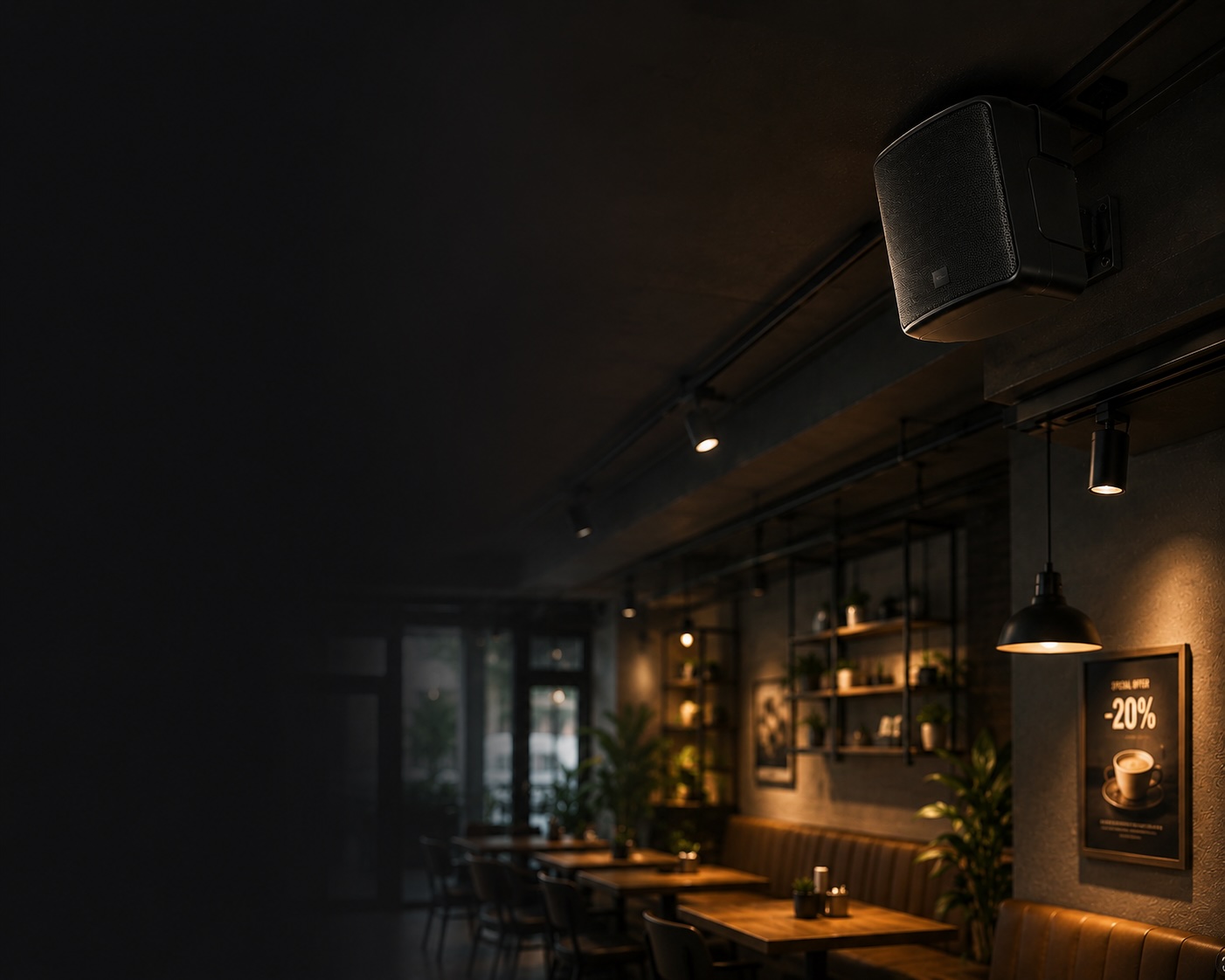
Promos go unnoticed
The guest is already in your venue but has no idea about the special offer, new menu or deal of the day.
Manage announcements across all your locations from a single schedule — no staff involvement
Promos, new arrivals, events and important updates live in posts, chats and flyers. The people already in your venue often never hear about them.
The guest is already in your venue but has no idea about the special offer, new menu or deal of the day.
The pauses between songs could remind guests about what matters — but this channel usually goes unused.
To tell guests anything, you have to pull an employee away or speak into a microphone.
Today someone remembers to announce the promo, tomorrow they forget. Messages happen at random.
Social media and your website work before the visit — inside the venue, a guest may never find out.
When staff make announcements, the quality, tone and delivery are different every time.
Promos, news and important messages go on air automatically. Just write the text, pick a voice and set the schedule.
A special offer, new menu or deal of the day — guests hear about it at the moment they're in your venue and ready to act.
Announcements slot neatly between tracks — silence turns into a channel for sales and guest care.
Write the text and an AI voice reads it: speech speed, stress, a background bed. No need to pull staff away.
Group your spots into blocks and set the rules: exact times or auto-repeat every N minutes. The system never forgets.
Social media works before the visit; your stream works at the moment of purchase. Everyone who walked in hears the message — no subscriptions, no algorithms.
One voice, tone and delivery across all announcements. Music ducks and smoothly returns — just like real radio.
From a single coffee shop to a chain of malls — announcement blocks cover both your own messages and partner ads.
Deals of the day, loyalty program, opening hours — guests hear the offer right at the shelf.
Sell airtime to tenants: an ad block with guaranteed frequency — every 20 minutes.
Class schedules, membership renewals and gym rules — without an administrator at the microphone.
Dish of the day, happy hours, tonight's program — at the right time of day, in its own block.
New services, seasonal offers and appointment reminders — in a calm voice, in your brand style.
The same blocks across every location: a unified brand sound, with intervals and spot sets configured per venue.
| Task | Manual / PA system | Tunio announcement blocks |
|---|---|---|
| Going on air | Pull an employee away and hope they don't forget | Automatic — on schedule or at intervals |
| Sound quality | A microphone, room noise and random delivery | AI voiceover with a music bed |
| Repeat frequency | Whenever someone remembers — no guarantees | Exactly every N minutes — the system never forgets |
| Spot order | However it happens | Sequential or random — you choose |
| Guest reach | Not everyone sees posts and flyers | Everyone in the room hears it |
| Urgent message | Run to the microphone | A “Play Now” button in your dashboard |
From text to on air in a minute
Set it up once — announcements go on air by themselves, on schedule and at the right frequency.
Change block contents, order, intervals and rotation mode at any time — without stopping your stream.
One voice, style and music bed across all venues — announcements sound like part of the stream, not an interruption.
Guaranteed play frequency lets you sell ad slots to tenants and partners.
A named set of audio announcements — ads, promos, reminders. The block goes on air on a schedule or at a set interval, and the spots inside rotate by the rule you choose. Contents and order can be changed in a couple of clicks.
Two ways: place the block in your broadcast schedule at an exact time, or enable interval auto-repeat every N minutes. The interval is configured per stream, and both ways can be combined.
Sequential plays the spots in order and remembers its position — the next run picks up where it left off, even a day later. Random picks spots fresh each time, with no repeats within a single run. You also choose how many announcements play per run.
Write up to 500 characters of text and pick an AI voice — the system generates and mixes the spot. You can adjust speech speed, mark word stress with a capital letter, add background music and control its volume.
Your stream's background music ducks automatically, the announcement plays on top, then the music smoothly returns. No jolts or volume jumps.
Yes. A ready announcement has a Play Now button — pick a stream and the spot goes on air right away, outside the schedule.
Assign the block to several streams — each gets its own interval, rotation mode and spots-per-run count. Rotation position is independent too: venues don't interfere with each other.
Yes, every announcement takes a date range. When the promo ends, the spot simply stops going on air — no need to remove it from blocks.
Tell us about your business — we'll suggest how to build your blocks, what interval to pick and how to blend ads with background music.