Announcers are slow and expensive
Every new promo is a new recording: approve the copy, wait for the announcer, pay for revisions. A week for a spot that lives three days.
Upload a short speech sample, confirm the voice belongs to you, and your jingles, announcements and podcasts start speaking in your own voice. In any language, at every location.
Recording a spot in your own voice means a studio, time and editing. So announcements end up read by whoever is on shift, by a faceless synthetic voice — or by nobody at all.
Every new promo is a new recording: approve the copy, wait for the announcer, pay for revisions. A week for a spot that lives three days.
Today the manager reads the announcement, tomorrow the barista. Tone, pace and quality change every time — that is not how a brand sounds.
Ten locations, ten different voices and deliveries. Guests don't recognise the brand by ear, and there is no way to manage it.
The owner or host knows exactly how to say it, but can't sit down at a microphone for every update and reminder.
Synthesis gets the job done, but listeners don't associate it with you. A familiar voice lands harder than any neutral one.
An announcement in English or Spanish means finding a native speaker and paying for another recording.
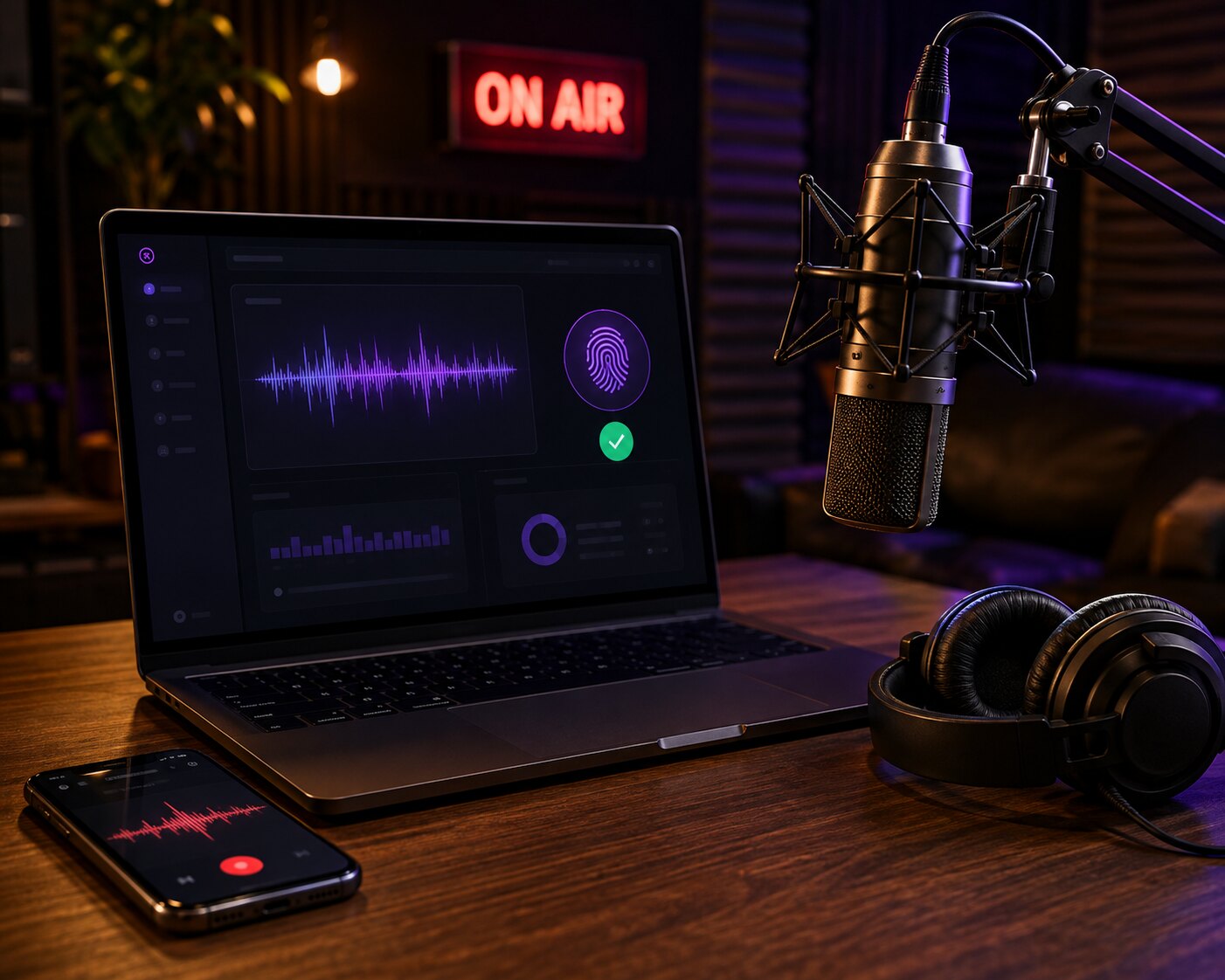
Tunio clones a voice from a short recording and reads any text with it. Record once; from then on jingles, announcements and podcasts go on air with no microphone.
5–90 seconds of clean speech is enough — a phone recording or a voice message. The model needs cleanliness, not length.
Write the text, pick your voice and a music bed in the jingle generator — a branded sting is ready in seconds.
Promos, opening hours, reminders, segments — text becomes audio and goes out on schedule in your voice.
The clone reads text in whatever language it is written in. One voice — announcements in English, Spanish or Kazakh.
The voice is available to everyone working in your content library: every location sounds the same, like one brand.
Consent, voice verification, storage only while the voice exists, and one-click deletion — together with every recording.
Everything happens in the dashboard: Profile → My Voices. No training, no waiting — the voice is ready right after verification.
Confirm the voice is yours, upload 5–90 seconds of clean speech and its verbatim transcript — the model needs it to reproduce your pronunciation exactly.
Read a random phrase aloud within 45 seconds. The system checks the text against the recording and the timbre against the sample — so nobody else can upload your voice.
A couple of minutes later the voice appears first in every voice picker — use it in the jingle generator and in announcements.
From a coffee shop to a retail chain and an internet radio station — a familiar voice makes the stream personal.
The owner greets guests, announces the dish of the day and happy hour — in their own voice, without leaving the floor.
The coach reminds members about class schedules and renewals in the same voice they hear in the gym.
One promo — one voice in every location. The copy changes, the brand voice stays.
The calm voice of the front desk reminds clients about appointments and seasonal offers — with no microphone at reception.
The host voices jingles, promos and segments without coming to the studio for every episode.
One voice reads announcements in several languages; via the API a verified voice is available in your own integrations.
| Task | Announcer / studio | Tunio voice clone |
|---|---|---|
| A new spot | Studio, recording, editing — days | Text → audio in your voice in seconds |
| Fixing the copy | Re-record with the announcer, pay again | Edit the line — the spot is ready |
| One voice across locations | Different announcers and deliveries | The same voice everywhere — shared across the library |
| Another language | Find a native speaker | The same voice reads text in another language |
| Cost | Every recording and revision billed separately | Billed like any catalog voice |
| Protecting the voice | Files spread with no control | Consent, verification, one-click deletion |
Your voice in 2 minutes — no microphone
Listeners know a specific person is talking to them — the owner, the host, the front desk. That is trust a neutral synthetic voice never earns.
No model training: the voice is ready right after verification, and a new announcement takes seconds after editing the text.
No studio, no announcers, no paying for every revision. Generating in your own voice costs the same as any catalog voice.
The sample is processed on Tunio's servers, visible only to your content library, and deleted together with every recording in one click.
Yes, if you have their explicit consent — you confirm this in step one. But they are the one who has to pass confirmation: the phrase must be read in the same voice as the sample.
Dozens of supported languages — the model reads the text in whatever language it is written in. The sample itself can be in any language.
5–90 seconds of clean speech with no music or noise in any common format: MP3, M4A, WAV, WebM. The best results come from 10–30 seconds of calm, intelligible speech.
Hover over the status to see the reason. If the text didn't match, read the whole phrase clearly; if the voice didn't match, record in the same conditions as the sample. Then "Confirm voice" → new phrase → new recording, with no limit on attempts.
The sample is your clone, so it is stored exactly as long as the voice exists — on Tunio's servers, never handed to third-party synthesis services. Deleting the voice erases the sample, the confirmation recording and the preview.
Up to three voices per account. All of them are visible to colleagues working in the same content library — like shared jingles and announcements.
The same as any catalog voice — there is no extra charge for the clone itself. The feature is available on plans with custom voices: the My Voices tab appears in your profile automatically.
With two checks: the system transcribes the phrase you read and compares it with the one issued, then compares the timbre of the recording with the sample. The phrase is random, one-shot and on a timer — it can't be synthesised in advance with someone else's clone.
Tell us about your format — we'll suggest what sample to record and where to use the voice so it works for the brand.