Create a screen
Create a new screen in your dashboard and define its structure.
Build TV screens for menus, promos, schedules, navigation and now-playing content. Launch them on TV panels, set-top boxes or browsers from the same Tunio dashboard.
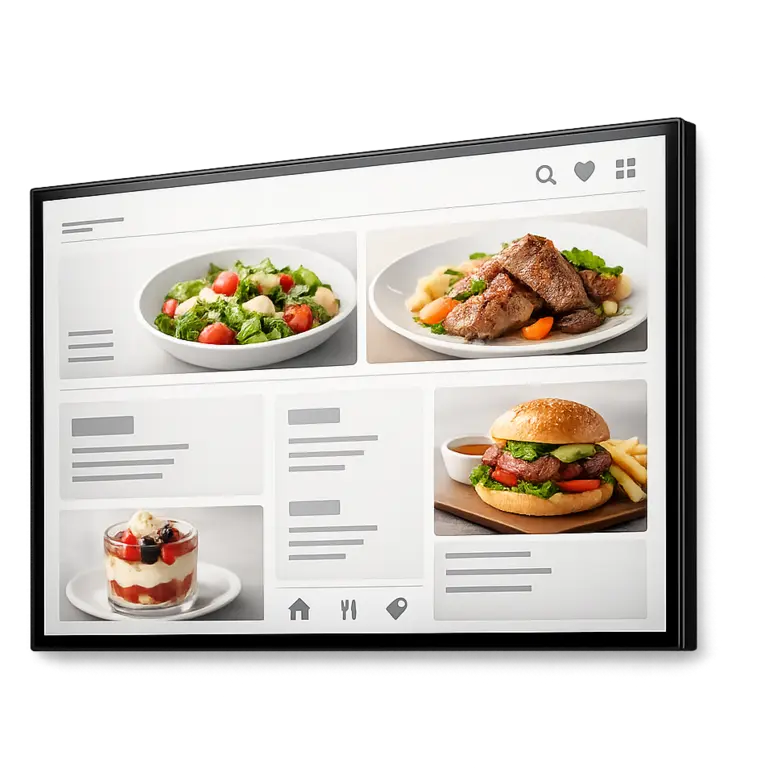
Create a screen from scenes and components, then launch it on TV panels, set-top boxes, and in the browser.
Create a new screen in your dashboard and define its structure.
Build the screen from one or more scenes for different goals and formats.
Set each scene duration, background, and transition effects.
Use ready-made components: video, image, text, clocks, ticker, “now playing”, and more.
Link the screen to Tunio Link to output it on a TV panel, set-top box, or another device.
Open the screen in Tunio Spot or in a browser.
Control every location from one Tunio dashboard
Build screens from many components, and changes appear automatically on all connected devices.
Tunio works wherever atmosphere drives revenue
Workouts, schedules, motivation
Tournament announcements, schedules, ads
Menu boards, promos, quick updates
Navigation, promo videos, offers
Lobby screens, navigation, internal announcements
Welcome screens, schedules, notifications
Atmospheric content, seasonal offers
Unified content, scenarios, updates
Want to learn more about Tunio or set up your stream? Send us a message - we’ll reply shortly.