Your station's audio
Your Tunio broadcast: playlists, your own tracks, jingles, ads and live voice from "Live Studio".
Your broadcast — music, jingles and live voice — goes out to video platforms around the clock. Tunio adds an animated background and streams from the cloud. No OBS, and your computer can stay off.
YouTube, Twitch and Kick only take video. Tunio takes your station's audio, turns it into a video stream and sends it wherever you want.
Your Tunio broadcast: playlists, your own tracks, jingles, ads and live voice from "Live Studio".
Tunio lays the sound over an animated background — from the catalogue, AI-generated, or made from your own picture.
The finished stream goes out over RTMP to YouTube, Twitch, Kick, Facebook, Telegram and more.
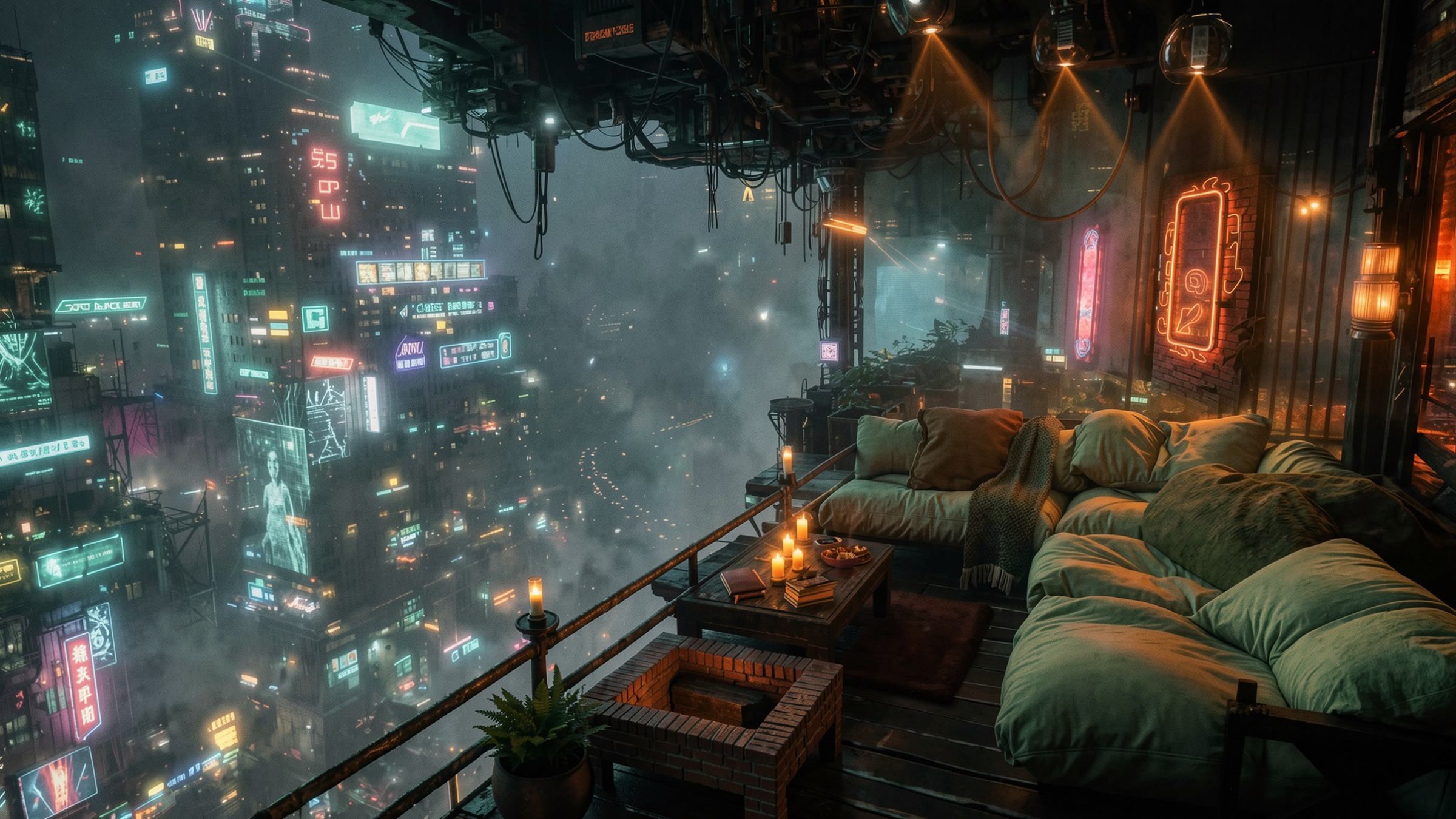
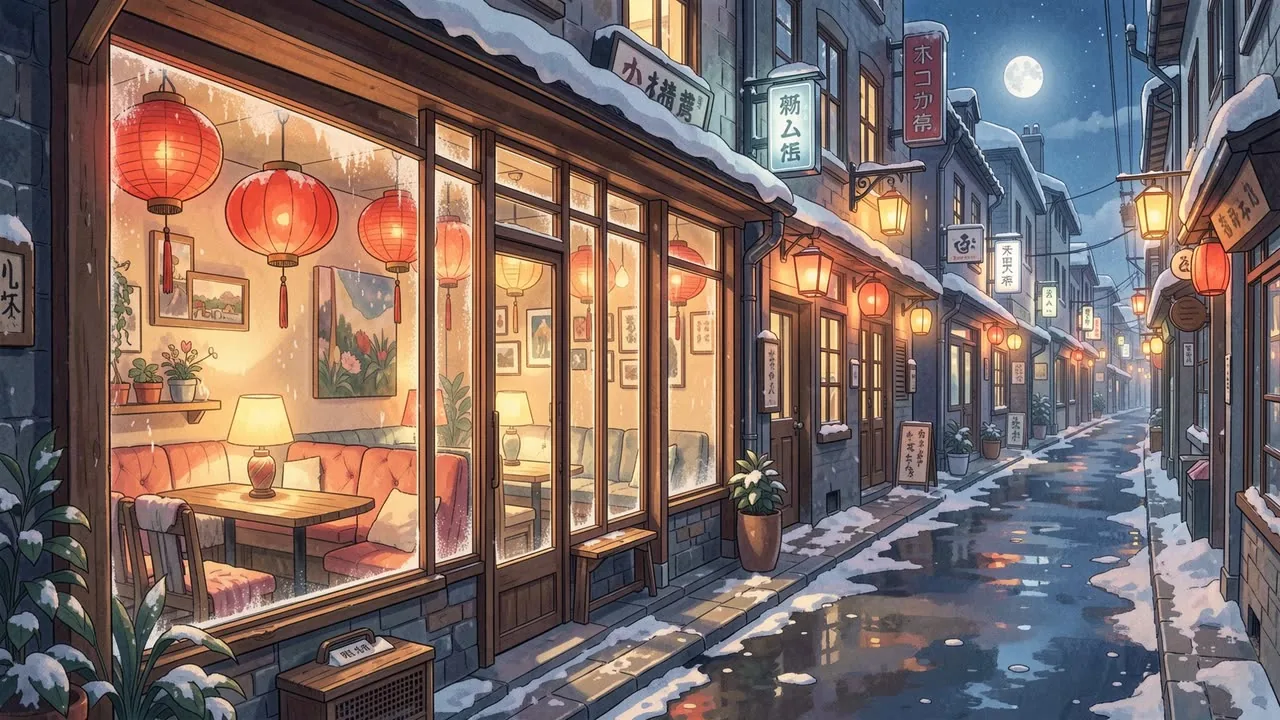
Video platforms need a picture. Describe a scene in words — Tunio draws it and brings it to life as a seamless looping stream background. Every example below is real generator output.
 Reading the prompt…
The end of the loop flows into the start — no visible seam, no jump
Paste the server URL and stream key from your platform's dashboard. From there the stream runs in the cloud, even with your computer switched off.
A 24/7 radio stream on YouTube: lofi radio and music channels in the classic "background + nonstop music" format.
A music or chill stream on Twitch that keeps running while you rest or sleep.
Keep your Kick channel live around the clock with your station's sound and a moving background.
Live music or radio on your Facebook page, running nonstop without a streaming PC.
A live video stream in your Telegram channel or group, using the RTMP URL and key from the live stream settings.
Any platform or server that accepts RTMP or RTMPS: just add the server URL and stream key.
You already have the audio. But getting it onto a video platform usually means building a whole studio.
YouTube, Twitch and Kick won't take a bare audio stream — the sound needs a picture.
A 24/7 stream through OBS ties up your home PC, internet and power. Internet drops, stream drops.
A frozen frame looks like a dead stream: viewers think it's broken and leave.
Stock background footage jumps every 10–15 seconds: the light flickers, the rain cuts off.
Tracks from your own collection easily trigger copyright claims — and a takedown of your stream.
Stream keys for YouTube, Twitch, Kick and Facebook live in different dashboards, and starting each one by hand is a pain.
Sound, visuals and multistreaming in one dashboard. No editing, no OBS, no computer left running.
The stream runs on Tunio's servers: close the browser, switch off the computer.
Each platform is a separate restream with its own key. How many run at once depends on your plan.
Connection dropped? The restream comes back on its own. Platform rejected the key? The dashboard tells you why.
An animated stream background from the catalogue, the AI generator or your own picture: rain, snow, neon, flickering lights.
AI music from the Tunio catalogue, your own tracks, jingles and scheduling — the broadcast runs itself.
Grab the mic in "Live Studio" and your voice goes straight out to every platform.
It all happens in your browser — no streaming software required.
Pick music that fits your format or upload your own tracks.
Choose one from the catalogue or create your own in "Video backgrounds".
Grab the server URL and stream key from your platform's dashboard.
In "Restreams", choose the platform and paste the URL and key.
Your broadcast goes out from the cloud and keeps running until you stop it.
Want to talk to your viewers? Turn on the mic in "Live Studio".
Anyone with great audio and an audience on video platforms.
Your radio station reaches new listeners on YouTube, Twitch and Kick.
A cozy scene, rain on the window and calm music that never ends.
A hosted talk show: your voice from "Live Studio" over a living background.
Genre playlists, each with its own background and its own stream.
Study-with-me and focus streams: calm music and gentle motion that don't distract.
Your café, club or store's branded radio, live for your followers.
| Compared | OBS on your PC | Tunio |
|---|---|---|
| Source | You build the audio and visuals in OBS yourself | Your station's audio — that's it |
| Visuals | Hunting for stock footage, seams show | Seamless animated background |
| Music | You pick it and risk copyright claims | Tunio catalogue, your tracks and jingles |
| 24/7 streaming | Computer and internet always on | Streams from the cloud |
| Platforms | Set up each one separately | All keys in one place: "Restreams" |
| Connection drops | Stream is down until you notice | Restream reconnects on its own |
24/7, no OBS needed
It's broadcasting sound to video platforms. Tunio takes your station's audio, puts it over an animated background and sends the finished video to YouTube, Twitch, Kick, Facebook, Telegram and other platforms.
Create a station in Tunio, pick a background, then in "Restreams" add the server URL and stream key from YouTube Studio. Once started, the stream runs on Tunio's servers 24/7 — no need to keep your computer on.
YouTube, Twitch, Kick, Facebook, Telegram and any platform that accepts streams over RTMP or RTMPS.
No. The video is built and sent to the platform on Tunio's servers, so you can stream music 24/7 without OBS. The stream keeps going even after you close the browser and switch off your computer.
Yes. Each platform is a separate restream with its own URL and key; how many run at the same time depends on your plan.
An animated background: a ready-made one from the catalogue, one the AI generator draws from your description, or your own picture brought to life by Tunio. The loop is 20 seconds long and repeats with no visible seam.
Yes. Turn on the mic in "Live Studio" — your voice goes into your station's broadcast and straight out to every platform you're restreaming to.
Video goes out to the platform in 1080p, or 2K on premium plans.
Tell us what you want to stream and where — we'll help you set up your restream.