Live Broadcasting
Online Radio with Live Broadcasting from Your Browser — Tunio
Tunio is an online broadcasting platform: launch internet radio, go live from your browser and invite guests by link — no OBS, no gear, no royalties.
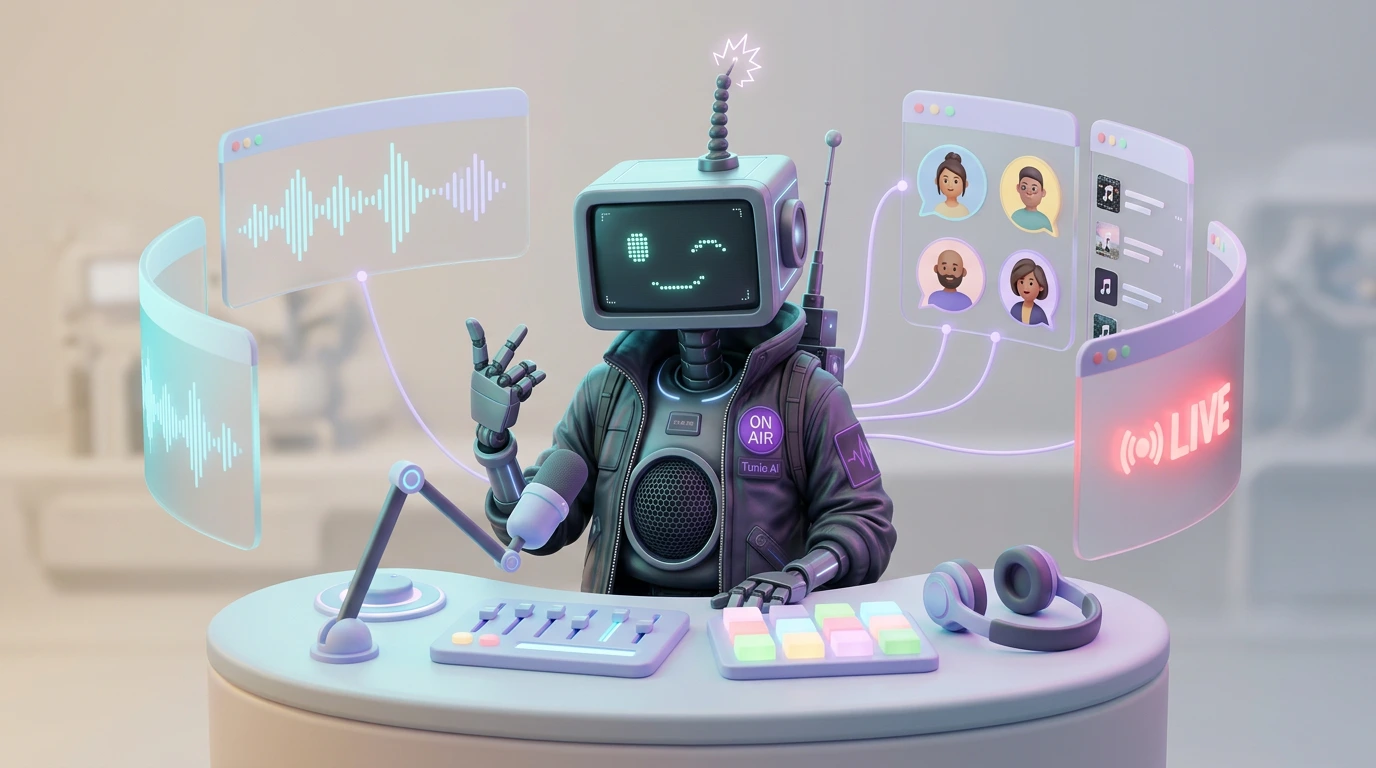
Live Broadcasting from Your Browser: Tunio as an Online Radio Platform
Tunio is an online broadcasting platform: you launch your own internet radio, build a music rotation, add jingles and announcements, and go live straight from your browser — with a live host and guests. No OBS, no encoders, no separate studio and no sound engineer: a full broadcast console opens in a single browser tab.
Here's how live broadcasting works in Tunio — the in-browser studio, inviting guests on air by a simple link, and why it all works out of the box, with no messengers and no conference routing.
Professional broadcasting without a studio, OBS or gear
Broadcast Studio is a broadcast console that runs right in your browser and opens with one button on your stream page. Inside you get everything a real radio studio has:
- a mixer with channels, a three-band equalizer and faders;
- a master section with a limiter and monitoring;
- a microphone and background music tracks;
- eight pads for jingles and announcements;
- guests on air.
The mixed sound goes to your stream with a single "On Air" button. Nothing to install and no gear to buy — all you need is a browser and any microphone, even a headset.
A full breakdown of the features is on the Broadcast Studio page, and a step-by-step guide on how it works is in the Tunio documentation.
Live on air from your browser
A traditional live broadcast scares you off at the budget stage: a console, mic channels, an encoder, OBS with stream keys and bitrates, plus a dedicated person at the desk. In Tunio, broadcasting runs from a browser tab.
A mixer right in your browser
Every source is a channel with its own fader and equalizer, just like on a real desk. The master section with a limiter guards against clipping, and monitoring lets you hear exactly what goes on air. No external software: everything is mixed inside the studio.
A microphone over the background music
The host's voice sits over the music bed in studio quality. The microphone is added with one click — and muted by default (feedback protection), with noise suppression already on. The music automatically ducks under your voice (talk-over) and smoothly returns when you stop speaking.
Jingles and announcements on pads
Eight instant-launch pads: stingers, greetings, ad spots. Tap one — the content goes on air, the background music ducks by itself and smoothly returns. You can generate jingles in a minute right inside Tunio.
You can prepare the show in advance. Until you hit "On Air", the automated Tunio stream keeps playing on the broadcast — music on schedule, jingles, announcements, weather and other content. The studio stays off air meanwhile: build channels, tune equalizers, rehearse with guests — listeners still hear the usual rotation. Save the setup as a profile and bring it back with one click before the next show.
Guests on air — by a simple link, no messengers, no conference routing
This is what online radio platforms usually can't do. To get a guest on air, they make you cobble together a setup: phone hybrids, Zoom, Skype, virtual audio cables, routing a conference into the mixer. In Tunio, inviting a guest is built in and works out of the box.
How to invite a guest on air
- Copy the call-in link from the "Callers" panel.
- Send it to your guest any way you like — messenger, email, whatever.
- The guest opens the link in their phone or desktop browser — no app to install — introduces themselves and joins the queue.
- You invite them into the lobby and talk before air — listeners don't hear this.
- With one button you put the guest into the broadcast.
Up to four guests can be connected at once — a full conference on air, where everyone hears everyone else but not themselves.
No echo and no "audio setup"
Each guest hears the broadcast and the other participants but not their own voice — the studio automatically subtracts it from the return feed, so there's no echo. The guest doesn't configure anything, plug in audio cables or figure out signal routing. They just open the link and talk.
No third-party services. No need to connect messengers, route conferences or mix the sound by hand. Inviting a guest on air, an echo-free return feed and putting them into the broadcast — it's all built into Tunio.
Everything for internet radio — in one dashboard
Usually, launching internet radio with a live show means stitching several services together: a radio host for the stream (like radio.co or myradio24), a separate source of licensed music, third-party tools for guests and OBS for going live. Tunio covers all of it in one dashboard.
| What you need to broadcast | Classic platforms | Tunio |
|---|---|---|
| 24/7 stream | Yes | Yes |
| Live broadcast | Often via OBS/external encoder | Straight from the browser |
| Guest on air | Zoom/Skype + conference routing | A simple link in the browser |
| Music | Your own, with royalties and licenses | AI music with no PRO royalties |
| Jingles and announcements | External files and editors | Built-in generator + pads |
| Guest echo and return feed | Configured by hand | Removed automatically |
| Back to music after the show | Manual restart | Automatic after "Stop" |
While you're on air, listeners hear the studio instead of the playlist rotation. After the "Stop" button, the stream returns to its usual schedule on its own — nothing to restart.
If you're still choosing where to run your station, start with the guide How to build a 24/7 music stream, then add live broadcasting on top of your existing rotation.
Who live broadcasting in Tunio is for
- Online radio with a host — a full station with live shows over a round-the-clock music rotation.
- Shows and podcasts — morning drives and talk programs, live.
- Venue radio — an evening host: greeting guests, shout-outs, kitchen announcements, live.
- Guest interviews — an expert joins by link from anywhere, no studio and no travel.
- Live selling — promos and presentations in the host's voice with jingles and a bed.
- Events and holidays — hosting, giveaways, announcing winners.
- Chains and franchises — one host broadcasts to a venue, a city or the whole network.
How to run your first live broadcast
- Open the studio — the "Studio" button on your stream page.
- Add sources — microphone, background tracks, jingles on the pads.
- Rehearse — until you hit "On Air", the automated Tunio stream keeps playing and your studio rehearsal doesn't go on air.
- Invite guests — send the call-in link, move the guest from the lobby to air.
- Hit "On Air" — the mixed sound goes to your stream.
- End the show — the "Stop" button, and the stream returns to its music rotation.
A full guide with screenshots of every step is in the Broadcast Studio documentation.
Broadcast Studio is available on the Pro plan and up. The higher plans unlock live broadcasting from the browser, taking guests on air and mixer profiles. You can compare and switch plans right in your dashboard.
FAQ about live broadcasting in Tunio
Which plan includes Broadcast Studio?
Broadcast Studio and live broadcasting are available on the Pro plan and up. They unlock live broadcasting from the browser, inviting guests on air and saving mixer profiles.
Do I need to install OBS or buy gear?
No. All you need is a browser and any microphone, even a headset. OBS, encoders, sound cards and external consoles aren't needed: the sound is mixed inside the studio and the broadcast goes to Tunio's servers automatically.
How do I invite a guest on air?
Copy the call-in link and send it to your guest. They open it in a phone or desktop browser with no app to install, introduce themselves and join the queue. You invite them into the lobby, talk before air (listeners don't hear it) and put them on air with one button. Up to four guests can be on air at once.
Do I need to connect messengers or route a conference into the broadcast?
No. Inviting a guest, an echo-free return channel and putting them on air are built into the studio. No Zoom, Skype, virtual audio cables or manual signal routing — it all works out of the box.
How is Tunio different from other internet radio platforms?
Classic radio hosts give you a stream and a DJ panel, but going live usually runs through OBS and an external encoder, and guests have to be connected with third-party services. In Tunio, the studio opens right in the browser, guests join by a simple link, and the music is AI content with no PRO royalties — a genuine radio.co or myradio24 alternative. Stream, live broadcast, guests, jingles and scheduling all live in one dashboard.
What happens to the stream's music during a live show?
While you're on air, listeners hear the studio instead of the playlist rotation. After the "Stop" button, the stream returns to its usual schedule — nothing to restart.
Bottom line: a full online broadcasting platform
Tunio covers the entire online broadcasting path: a round-the-clock stream, music rotation, jingles and scheduling — plus live shows with a host and guests on top of it all. Live from the browser, guests by link with no messengers and no conference routing, an automatic return to music after the show — all out of the box, with no OBS, no gear and no sound engineer.