Articles
Craft Your YouTube Stream: Build a 24/7 AI Radio Channel with Tunio in 2026
Learn how to craft a 24/7 YouTube music stream from scratch using Tunio's AI radio station generator — no hardware, no DJs, fully automated daypart scheduling.
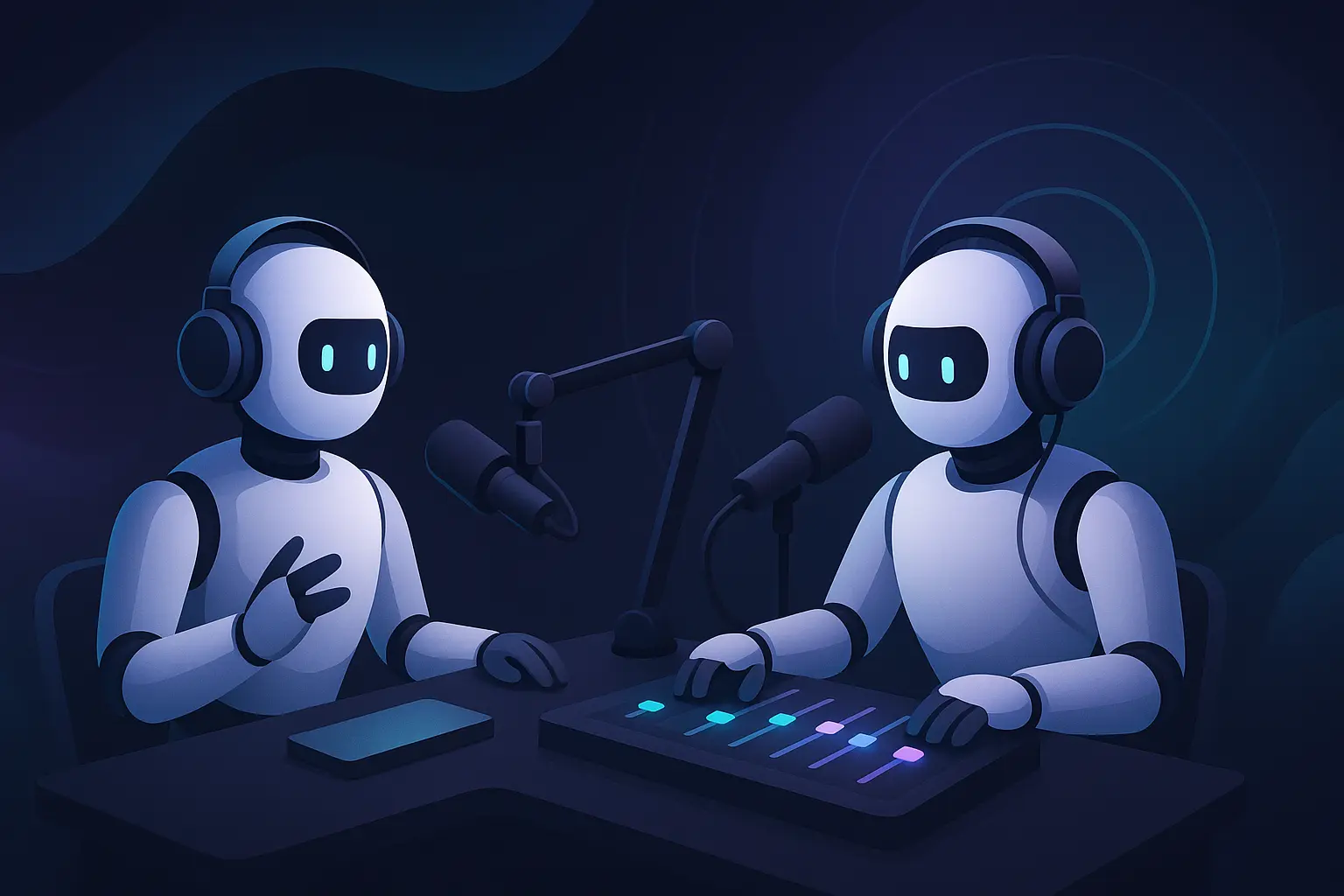
Creating your own online stream is easier than ever
Your Personal Stream in Just a Few Clicks
Imagine: you have your own stream that operates 24/7, streams on YouTube, Twitch, or any other platform, and doesn't require your constant presence. Sounds like a dream? With Tunio, it's reality.
Our platform allows you to create a full-featured stream in literally minutes. Want to launch a Lo-Fi stream for programmers? Or maybe a jazz station for evening relaxation? How about a morning pop stream with weather announcements?
What Makes Your Stream Come Alive
🎙️ Virtual Host
No one will guess there's no human in the studio. Our AI host will introduce tracks, make announcements, and maintain the atmosphere of a real stream.
🎵 Smart Playlists
Choose music genres for your stream from an extensive library: from lo-fi and ambient to jazz and electronic. Set up timeslots for different times of day — energizing music in the morning, relaxing in the evening. The system will automatically create smooth transitions between compositions.
🛡️ Copyright-Free Music
All music in the Tunio library is licensed for streaming and not subject to copyright. This means your streams on YouTube, Twitch, and other platforms will be safe — no bans or blocks for copyright violations.
If you want a step-by-step walkthrough of the whole setup — from picking a sound to connecting Tunio's RTMP feed to YouTube and monetizing — see our newer guide: How to make a 24/7 music live stream on YouTube.
📢 Announcements and Advertising
Add advertising blocks, event announcements, or simply informational messages. Everything will play at the scheduled time.
🔊 Jingles and Intros
Create a signature sound with jingles, intros, and sound effects between tracks.
Who Is This For
Content Creators — create a background stream for your subscribers while working on your main content.
Musicians — promote your music through a personal stream with your tracks and tracks from artists who inspire you.
Businesses — launch a corporate stream for the office or clients, adding information about the company and services.
Communities — create a stream for your Discord server, Telegram channel, or any other community.
Music Lovers — share your musical taste with the world through your own stream.
What's Coming Next
We're working on a live switch-over feature. Soon you'll be able to connect from OBS Studio or any other streaming software and instantly switch your stream to a live session. Imagine: your station runs in automatic mode, and when you're ready to go live — just press a button and become the live host of your stream.
Start Right Now
Creating a stream on Tunio is not a complex technical process, but a creative act. You focus on content and atmosphere, while we handle all the technical aspects.
- Register at cp.tunio.ai
- Create a stream
- Add announcements and jingles
- Create a restream to the desired platform by specifying the stream key
Your stream will work 24/7, attract new listeners, and grow your community while you're busy with other things.
Ready to create your stream? Try Tunio for free and see how simple it is.