Product
Screen Builder for TV Panels and Background Music for Business
Tunio launched a screen builder for TV panels, set-top boxes, and browsers. Build scenes, start stream and screen via PIN code, and manage music and screens from one dashboard.
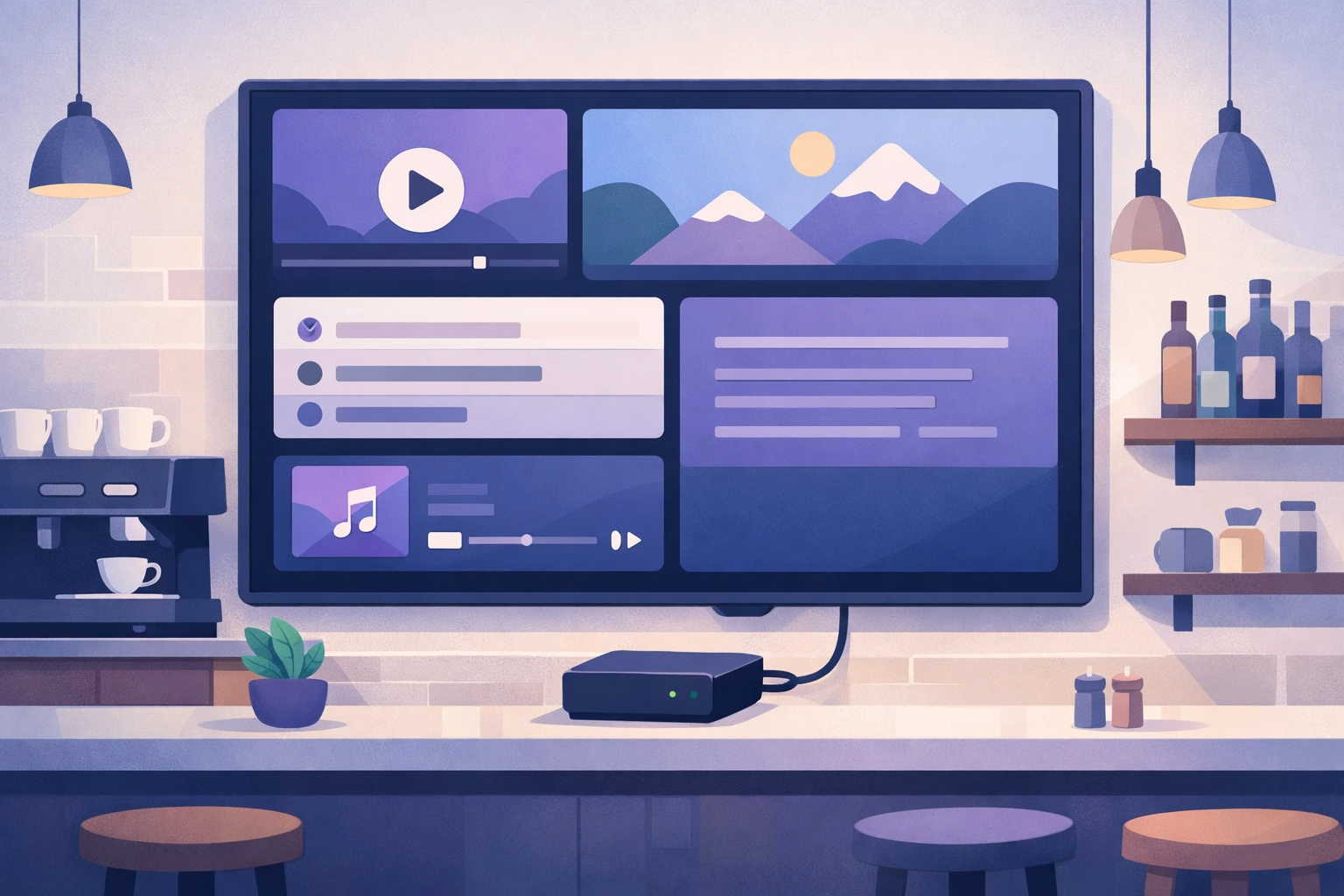
How We Launched a Screen Builder in Tunio and Delivered a Unified Business Solution
Businesses rarely need only music or only screens. In practice, it is almost always two parallel tasks: what plays in the space and what is shown on TV panels. In the classic setup, this means two separate services, two interfaces, two launch flows, and more operational mistakes.
We launched Tunio Screens to remove that split: now music and screens are managed from one Tunio dashboard.
Why We Built Tunio Screens
We kept seeing the same customer pattern:
- music already runs through Tunio;
- then a screen task appears: menu boards, promos, schedules, information blocks;
- the business is forced to find a second platform and connect devices separately.
As a result:
- two different products;
- two different content update processes;
- more manual work for staff;
- higher risk of failures and errors when scaling locations.
For SMBs, this is extra complexity. For chains, these are extra operating costs. That is why we built one unified control layer.
What Tunio Screens Is
Tunio Screens is a built-in screen builder inside Tunio for commercial spaces: cafes, fast food, fitness clubs, hotels, shopping centers, retail stores, offices, and more.
A screen is assembled from scenes, and scenes are assembled from components. This approach lets you quickly launch both simple info screens and full visual scenarios for a specific location.
Available components today:
- text;
- image;
- video;
- clock;
- ticker;
- “now playing” block;
- spectrum;
- aura;
- stickers.
How Launch Works: One Flow Instead of Two
Our goal was simple: launch screens and music together, without extra steps.
- Create a new screen in the Tunio dashboard.
- Add one or more scenes.
- Configure duration, order, background, and transitions.
- Fill scenes with components.
- In Tunio Link, bind both stream and screen to the same PIN code.
- Enter the PIN code on a device with Tunio Spot.
- Music and screen start together.
Key difference: users no longer need to start audio separately and screen separately. One PIN code means one startup flow.
What Businesses Get in Daily Operations
After launching Tunio Screens, the unified setup looks like this:
- one dashboard;
- one PIN code for connection;
- one app on the device;
- unified control of music and visual content.
This reduces manual workload, simplifies support across locations, and speeds up rollouts to new sites.
Video Workflows: Automation and Manual Control
Video is a core part of screen scenarios, so we support two modes:
- Category-based selection.
Fast launch when you need an atmospheric screen without manual curation of every clip.
- Manual upload and setup.
Full control for locations that need precise branded content for a specific hall or scenario.
Both modes can be used within one product, depending on the needs of a specific venue.
Content Legality
For commercial use, content quality is not enough - legal safety is critical. That is why Tunio Screens uses a legal model for visual content.
Content sources include:
- stock media with valid licenses;
- AI-generated content;
- other materials with confirmed commercial usage rights.
This lowers business risk: screen content is not built on random clips with unclear legal status.
Why Low-End Set-Top Box Support Matters
We intentionally optimized launch for affordable Android boxes, including low-spec devices.
What that gives businesses:
- no need for expensive specialized hardware at the start;
- easier pilot launch on 1-2 screens;
- lower cost to scale across a network;
- lower entry barrier for SMBs.
Where Tunio Screens Is Already Applicable
- Fitness studios: workouts, schedules, motivational scenes.
- Gaming arenas: tournament announcements, schedules, ads.
- Fast-food restaurants: menu boards, promos, fast updates.
- Shopping centers: navigation, promo videos, campaigns.
- Hotels: lobby screens, navigation, internal announcements.
- Offices and business spaces: welcome screens, notifications, schedules.
- Coffee shops: atmospheric content, seasonal offers.
- Retail chains: unified content scenarios and centralized updates.
Why This Is Truly a Boxed Solution
In B2B, a “boxed solution” usually means a ready implementation scenario, not a bundle of disconnected features.
In Tunio, this means:
- legal music for business;
- screen builder;
- unified dashboard control;
- one shared PIN code for music and screens;
- launch via Tunio Spot;
- support for TV panels, set-top boxes, and browsers.
Result: businesses get not two separate tools, but one working system to manage in-store atmosphere.
What’s Next
We continue to develop Tunio Screens in three directions:
- new visual components for different industries;
- more flexible video scenarios;
- integrations with third-party systems (CRM, internal dashboards, schedules, promo data).
Summary
With Tunio Screens, Tunio became a full platform where you can centrally manage:
- what plays;
- what is displayed;
- how all this scales across new locations.
This is exactly what we call a complete business format: music and screens in one dashboard.